Flexible docking
Arrange 3D views, 2D texture views, layers, materials, and nodes to match the way each project is reviewed.
3D texture painting for Blender workflows
Paint PBR materials, manage layers, and review results in Blender through Live Sync. A-Paint keeps texture work focused, fast, and predictable.
Production texture workflow
A-Paint gives artists a focused environment for material painting while preserving familiar navigation, viewport feedback, and sync back to Blender.
Live Sync workflow
Send the scene to A-Paint, build texture layers, and push updates back to Blender for review. The workflow is designed for asset iteration, not file management.
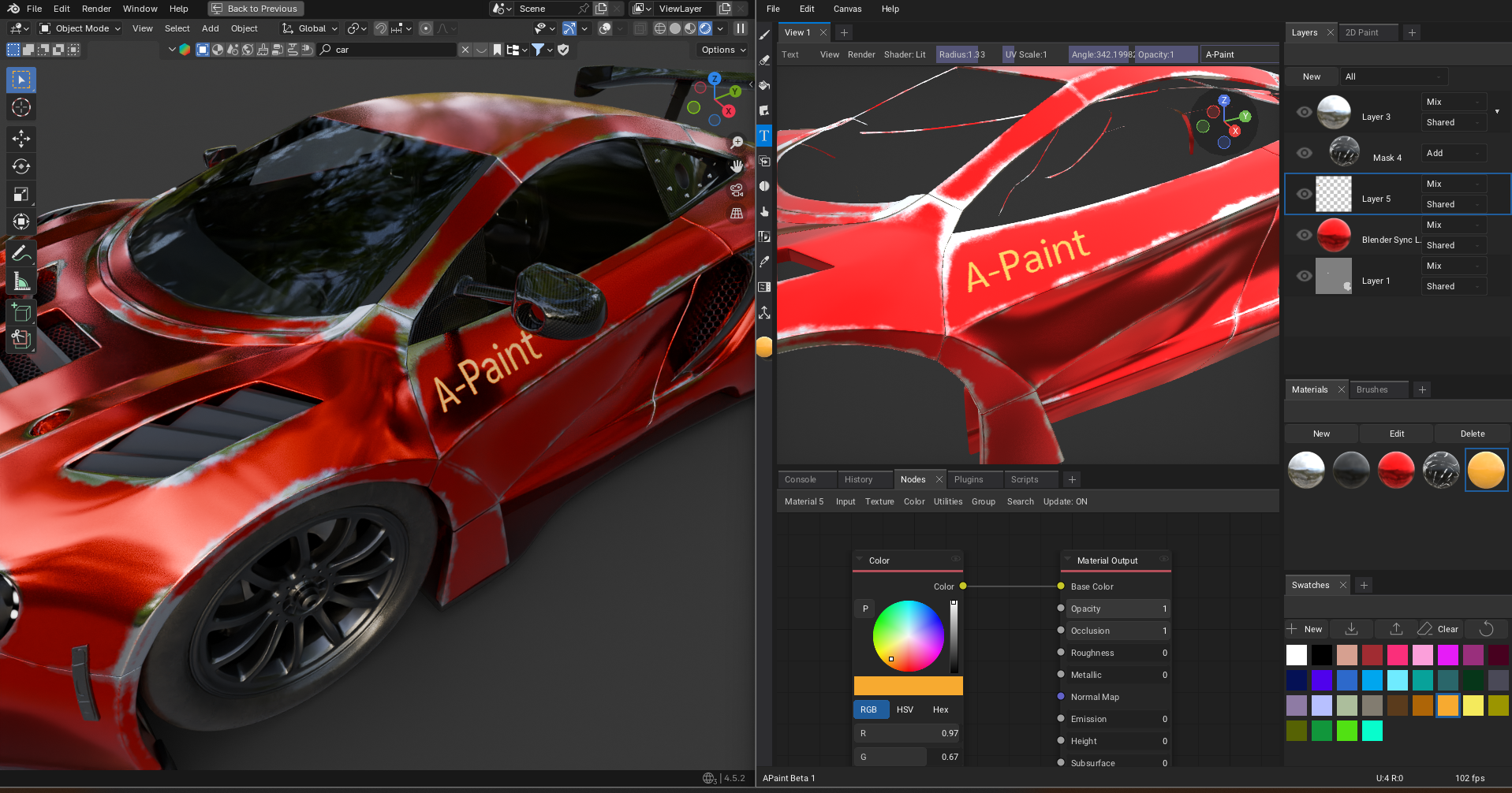
Texture painting tools
Arrange 3D views, 2D texture views, layers, materials, and nodes to match the way each project is reviewed.
Work across color, roughness, metallic, normal, and mask channels with direct brush control and clear viewport feedback.
Combine paint layers, fill layers, masks, and procedural material data while keeping edits easy to inspect.
AEngine and WGPU provide a lightweight native base for responsive texture work on modern Windows machines.
Why A-Paint
A-Paint keeps the essentials visible: painting, layers, materials, and Blender sync. It avoids subscription lock-in and keeps the workflow approachable for small teams and independent artists.
Editions
Lite
$0
Early bird
$22.22
Education
Contact
Studio
Custom
System requirements
A-Paint is developed first for Windows machines with modern GPU support. macOS support is planned for a later release.
Common questions
A-Paint is a standalone application designed around Blender workflows. Live Sync is built to reduce the friction of checking texture updates back in Blender.
Lite is intended for evaluation and learning. Texture output can be used commercially within the Lite edition limits.
No. Pro is offered as a perpetual license, with no monthly subscription required.